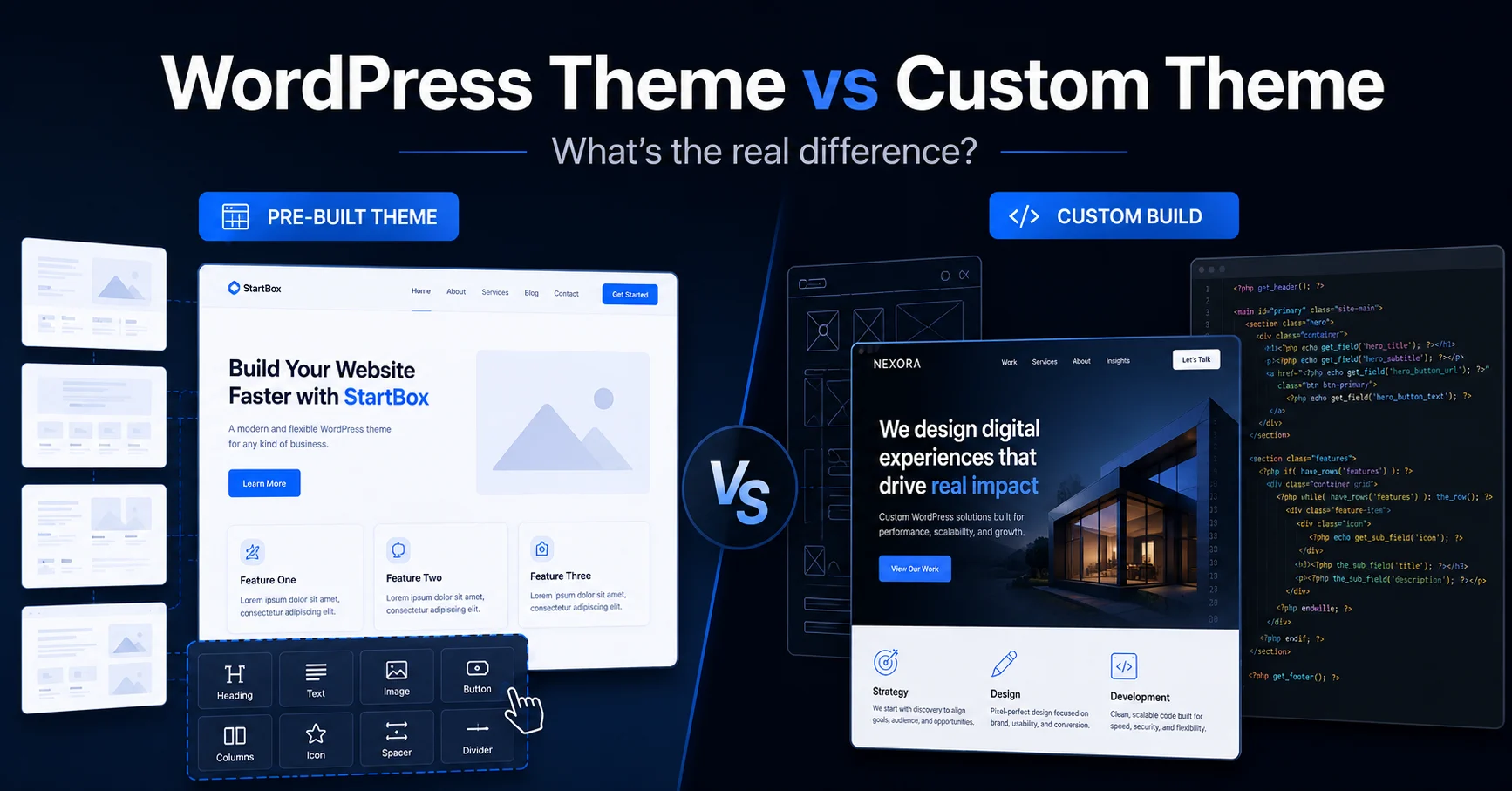
A client asked me last month why their “custom website” looked exactly like three other sites they had found online. The honest answer was that it wasn’t custom. It was a popular theme with their logo swapped in. This mix-up happens a lot, so let’s sort out what each option actually means and when each one makes sense.
What a WordPress theme actually is
A theme is a pre-built template. Someone designed it once, built in flexibility through customiser options and page builders, then sold or gave it away to thousands of people. When you install a theme, you are installing that same codebase everyone else using it has.
Themes range from simple and lightweight to massive multipurpose templates with hundreds of settings. The good ones are well coded, regularly updated, and genuinely useful for getting a site live fast.
The tradeoff is that you are working within someone else’s structure. You can change colours, swap images, rearrange sections using the options the theme gives you. You cannot fundamentally change how it works without running into walls, because the underlying code wasn’t built around your specific needs. It was built to be generic enough for anyone.
What a custom theme actually is
A custom theme is built from scratch (or from a minimal starting framework) specifically for one site. Every template file, every section, every piece of functionality exists because that particular project needs it. Nothing more, nothing less.
This means the design can be exactly what you want, not “close enough within the constraints of the theme.” It means the code only includes what your site actually uses, so there’s no dead weight from features you’ll never touch. And it means when you need something specific (a particular layout, an unusual interaction, an integration with another system) it gets built properly instead of hacked together with a plugin that fights the theme.
When a theme is the right call
If your site is a standard business website, a blog, a portfolio, or anything where “looks professional and works well” covers your needs, a good theme is the smart choice. You get a polished result fast, at a fraction of the cost of custom work, and the theme developer handles ongoing updates and compatibility.
I use quality themes on plenty of projects. There’s no reason to build from scratch when an existing solution already does the job well.
When custom makes sense
Custom development earns its cost when your design is genuinely distinctive and a theme would mean compromising on it. It also makes sense when you have specific functionality that doesn’t exist in plugin form, or exists but badly. And it matters when performance is critical, because themes carry code for every feature they support, whether you use it or not. A custom build only carries what you need.
There’s a longer-term angle too. If you’re going to keep building on this site for years, starting custom means the foundation is yours. You’re not waiting on a theme author’s update schedule or working around their decisions.
How to tell which one you’re looking at
If you suspect a “custom” site you’ve been quoted for is actually a theme, ask what theme it’s built on. A real custom build won’t have one. You can also check the page source for typical theme framework names like Astra, Divi, or Avada. If they’re there, it’s a theme with customisation, which isn’t a bad thing, just not what “custom” usually implies.
The honest recommendation
Most businesses don’t need a fully custom theme, and a good developer should tell you that even if custom pays better. The right starting point is your actual requirements, not what sounds more impressive. If you’re not sure which side of that line your project falls on, that’s a conversation worth having before any work starts. Get in touch and we can figure it out together.