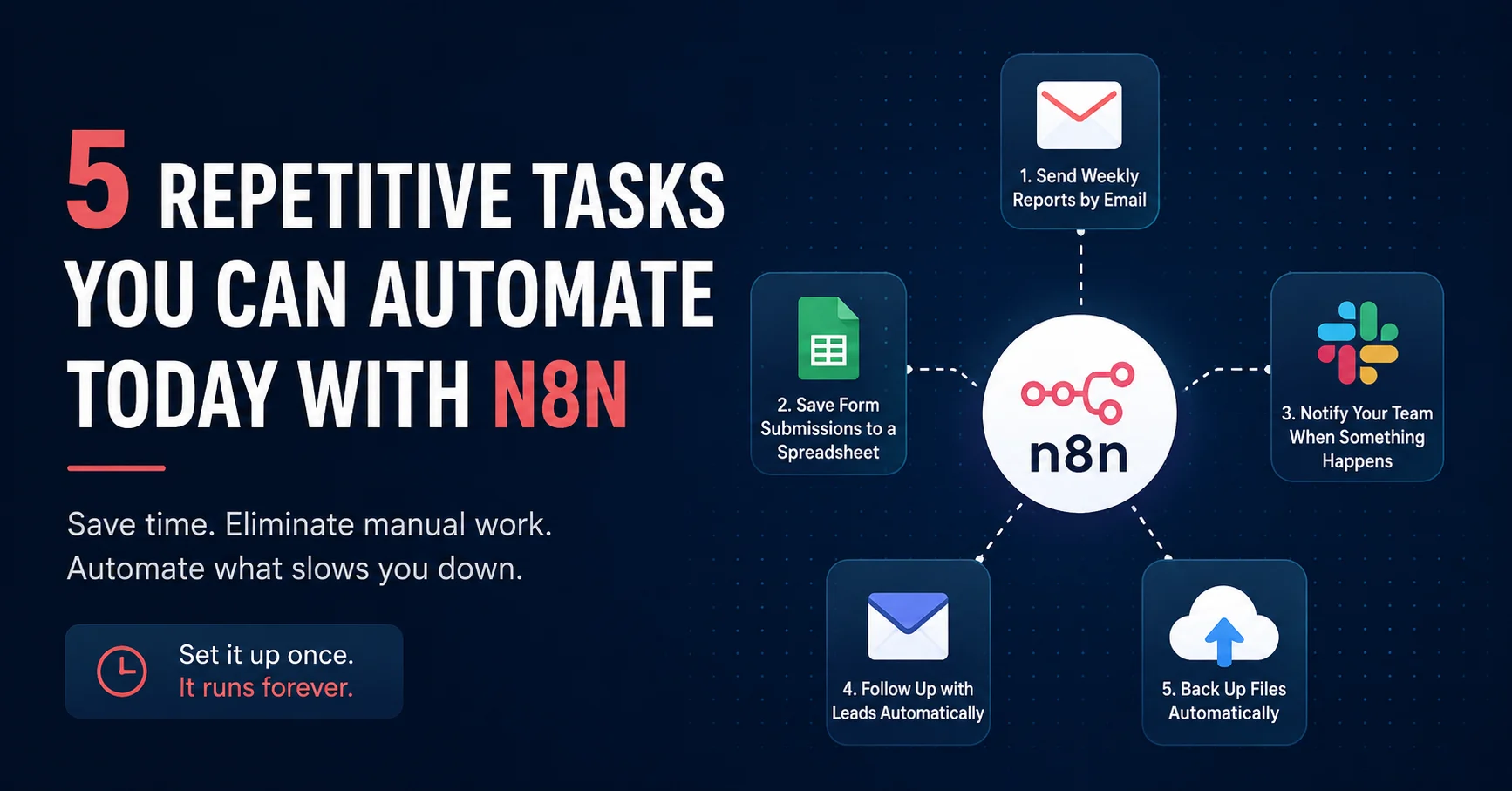
There is a certain kind of work that nobody talks about but everyone does. Copying data from one place to another. Sending the same update email every week. Checking if a form was submitted and then manually notifying someone. Small tasks that take five or ten minutes each, but add up to hours by the end of the month.
N8N is the tool I use to eliminate that kind of work. It is open-source, self-hostable, and connects to almost everything. Here are five tasks you can automate today, even if you have never built a workflow before.
1. Sending a weekly report by email
If you or someone on your team puts together a report every week by pulling numbers from a spreadsheet or a dashboard, that process can be fully automated. N8N can pull data from Google Sheets, format it into a readable email, and send it automatically every Monday morning before anyone arrives at the office.
You set it up once. It runs forever.
2. Saving form submissions to a spreadsheet
Every time someone fills out a contact form, a booking request, or a survey, that data usually ends up in an email inbox where someone has to manually copy it somewhere useful. N8N can intercept that submission the moment it happens and write it directly to a Google Sheet, a Notion database, or an Airtable base.
No more copying and pasting. No more missed entries.
3. Notifying your team when something happens
Whether it is a new lead coming in, a support ticket being opened, or a payment being received, your team probably finds out by checking something manually or waiting for someone to tell them. N8N can watch for those events and send an instant notification to Slack, Telegram, WhatsApp, or email the moment they happen.
The right people get the right information without anyone having to do anything.
4. Following up with leads automatically
If someone fills out a form on your website and does not hear back for 24 hours, they have probably already moved on. N8N can trigger a follow-up email automatically a set number of hours after a form submission, keeping the conversation alive without you having to remember to do it.
Combined with a CRM or a simple spreadsheet, this becomes a lightweight sales automation that works around the clock.
5. Backing up files automatically
Most small businesses have no backup system. Files live on one computer or one cloud drive and that is it. N8N can be set up to copy files from one location to another on a schedule, whether that is from Google Drive to Dropbox, from a local folder to a remote server, or from one cloud storage to another.
It takes about 20 minutes to configure and then you never have to think about it again.
Where to start
If you have never used N8N before, the best approach is to pick the one task on this list that costs you the most time and start there. You do not need to automate everything at once. One working workflow that saves you two hours a week is already worth it.
If you want help setting up any of these for your business, that is something I do regularly. Get in touch and we can figure out which automations make the most sense for your situation.