A client once messaged me on a Sunday morning because their site had been replaced with an ad for counterfeit watches. They hadn’t touched WordPress in months and had no idea what happened or why. The truth was almost boring: an outdated plugin with a known vulnerability had been sitting there for over a year.
This is how most WordPress hacks happen. Not through some sophisticated targeted attack, but through automated bots scanning millions of sites for known weaknesses and walking through whichever door is left open.
The most common entry points
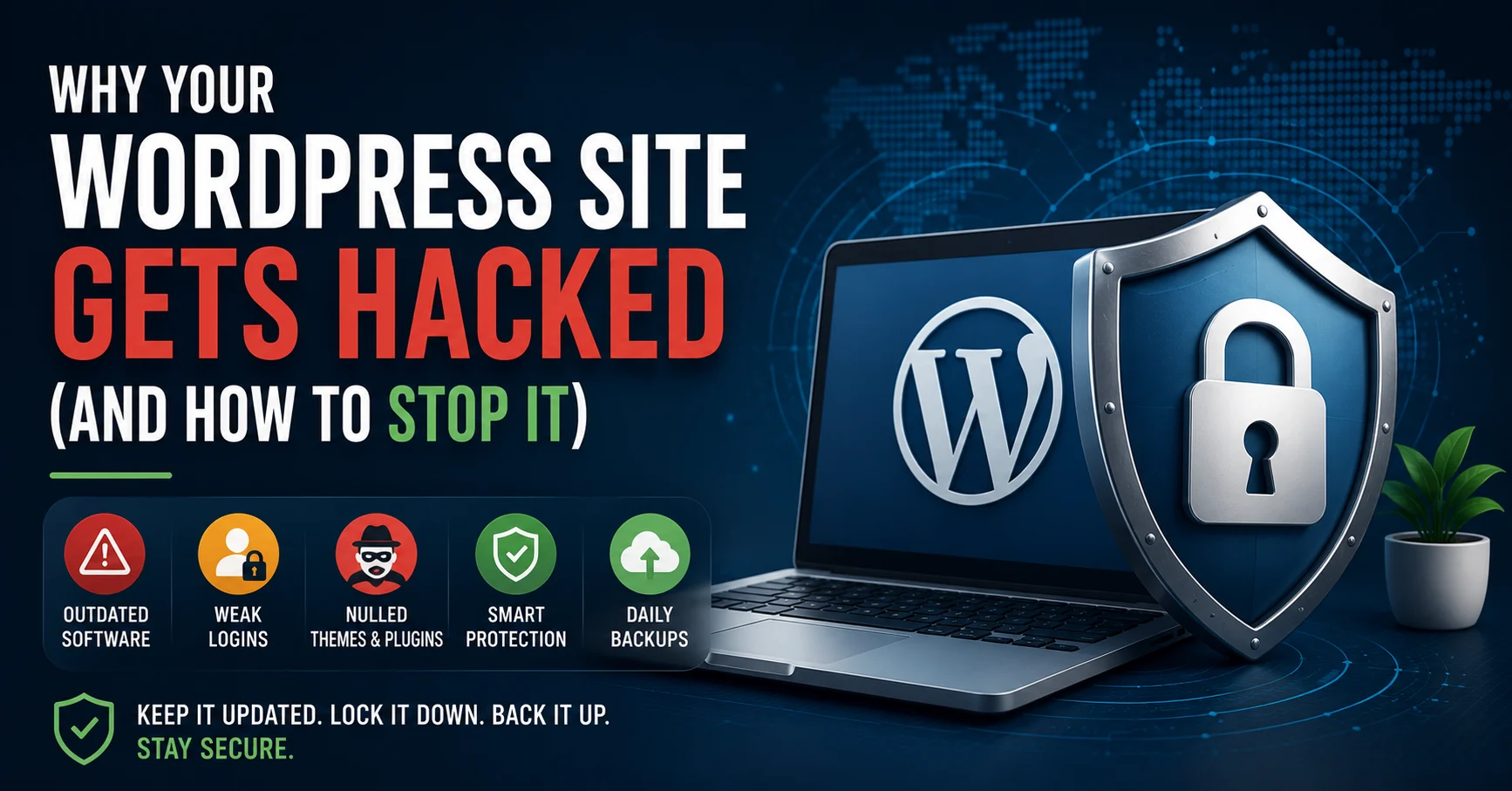
Outdated software is the biggest one by far. WordPress core, themes, and plugins all get security patches when vulnerabilities are discovered. The problem is that once a vulnerability is public, it becomes a known target. Bots specifically scan for sites running the vulnerable version, and if you haven’t updated, you’re on the list.
Weak login credentials are another major one. “admin” as a username with a simple password is still shockingly common, and brute-force bots try thousands of combinations per minute against the default login page.
Nulled or pirated plugins and themes deserve their own mention. Free downloads of premium plugins from non-official sources very often contain hidden malicious code baked directly into the files. People install these to save money and unknowingly hand over a backdoor to their site.
Poor file permissions and outdated PHP versions round out the list. Both make it easier for malicious code to execute even if it does get onto your server somehow.
What actually protects a site
Keeping everything updated is the single highest-impact thing you can do. WordPress core, themes, and plugins, all of it, regularly. If you’re worried about updates breaking something, that’s what staging environments are for. Test there first, then update production.
Strong, unique credentials matter more than people think. Use a real username, not “admin,” and a properly random password stored in a password manager. Add two-factor authentication on top, which most security plugins support for free.
A security plugin like Wordfence gives you a firewall and malware scanning that catches most common attack patterns before they do anything. It also limits login attempts, which kills most brute-force attacks immediately.
Only install plugins and themes from official sources: the WordPress repository, or directly from a reputable developer’s site with a legitimate license. If something premium is available for free somewhere it shouldn’t be, that’s not a deal, it’s a liability.
Daily automated backups stored off the main server are your safety net. If something does go wrong despite everything else, you want to be able to restore to a clean state in minutes, not lose months of content while rebuilding from scratch.
If you think your site has already been compromised
Signs include unexpected redirects, strange new admin users, content you didn’t add, or your host flagging the site for malware. If you see any of this, take the site offline immediately to limit damage, then either restore from a clean backup taken before the compromise, or have someone go through the codebase to find and remove the injected code. Trying to clean a hacked site without knowing exactly what to look for often misses backdoors that let the attacker back in within days.
The honest framing
None of this is exciting work, and that’s exactly why it gets neglected. Security isn’t something you notice when it’s working. You only notice it when it fails, and by then the cost is much higher than the maintenance would have been.
If you’d rather not think about any of this, that’s what ongoing maintenance plans are for. Someone keeps everything updated, monitors for issues, and handles backups, so a Sunday morning message about counterfeit watches never happens. Get in touch if you want to talk about what that would look like for your site.